Data Import Clients & Contacts
Import, map, validate, and bulk-update client accounts and contact records from CSV or Excel spreadsheets.
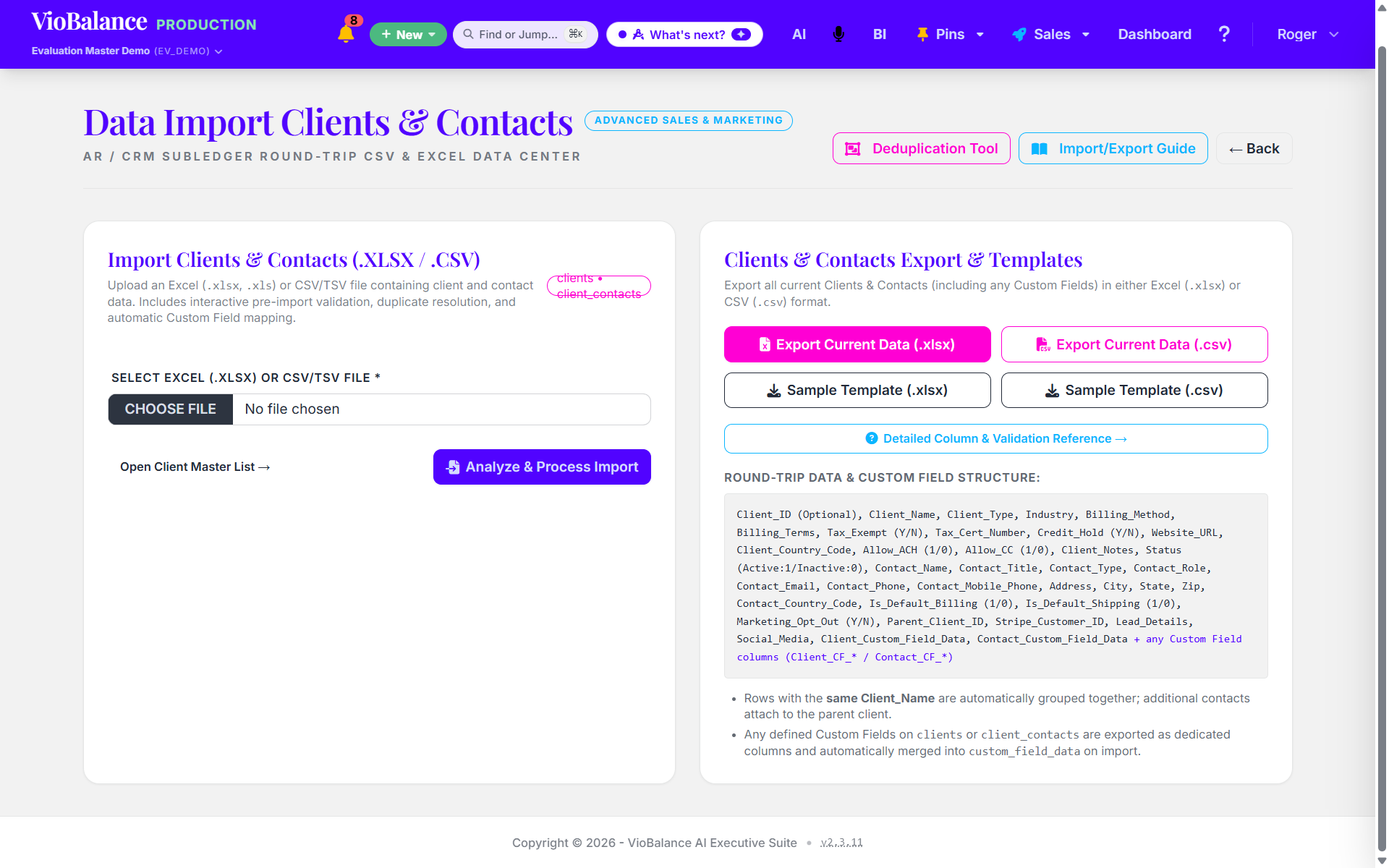
Smart Column Mapping
Automatically match spreadsheet columns to VioBalance client, address, and contact fields.
Validation & Preview
Catch formatting issues, missing emails, and duplicates before committing records to your database.
Export & Re-Import
Export existing CRM records to Excel for bulk edits and cleanly sync updates back in seconds.
Zero SQL Required
Empower managers and analysts to build their own live reports without waiting on IT.
Custom Fields Native
Every custom field you add to VioBalance is immediately selectable, filterable, and sortable.
1-Click Team Sharing
Publish saved reports to specific roles or export directly to Excel.
Fast, Guided CSV & Excel Onboarding for CRM Clients and Contacts
- Guided CSV and Excel import wizard for client companies, billing/shipping addresses, and multi-contact hierarchies
- Automatic field mapping with support for user-defined Custom Fields
- Pre-import validation checks for duplicate emails, company names, and required fields
- Safe dry-run preview and row-level error reporting before writing to the live database
- 1-click export templates for seamless migration from QuickBooks, HubSpot, Salesforce, or spreadsheets
Every App Included. Zero Silos.
Data Import Clients & Contacts is natively connected to VioBalance CRM, Inventory, Manufacturing, Payroll, General Ledger, and Conversational AI —hosted securely on AWS.